Top up your billing account
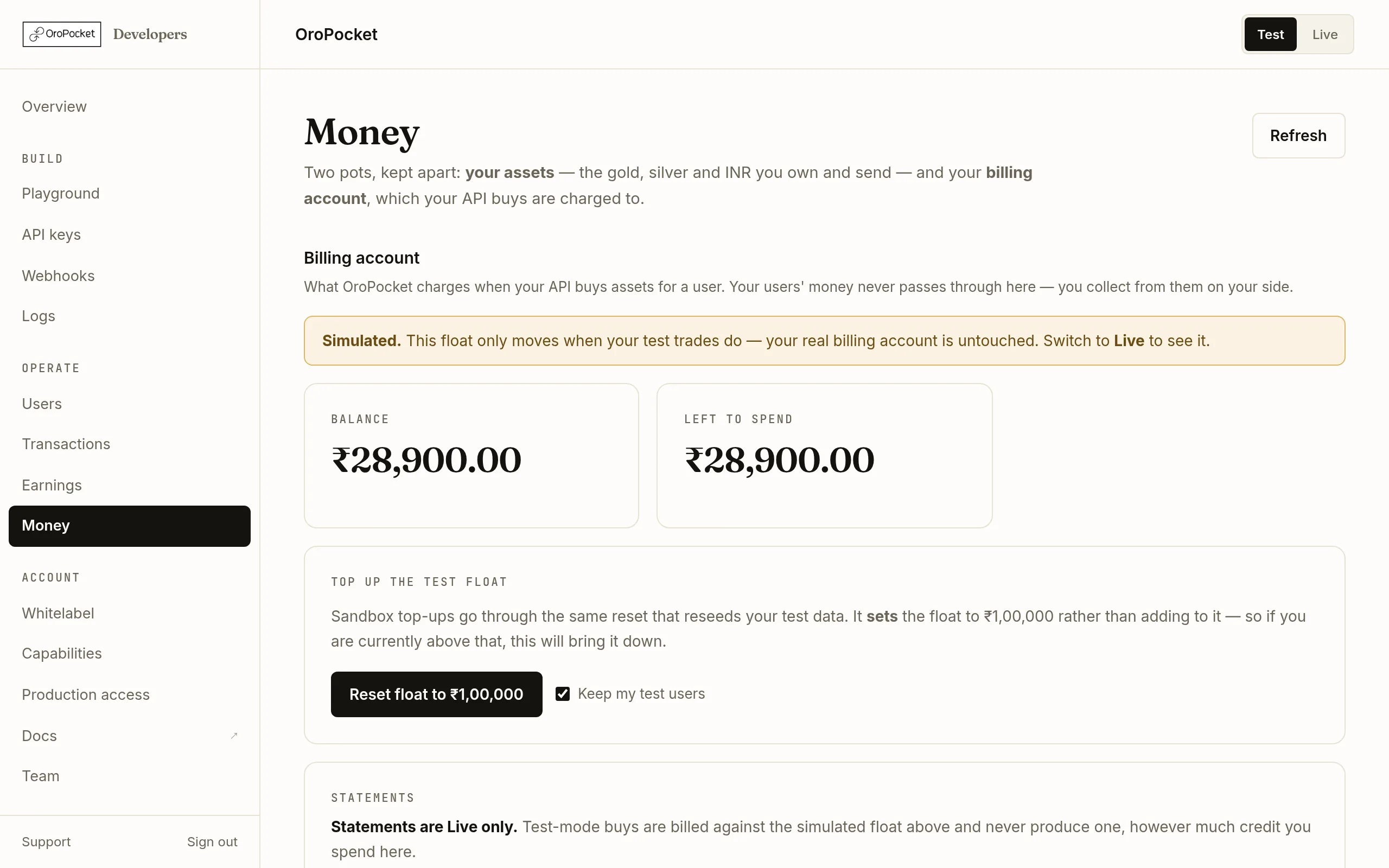
The Money page holds two pots that are easy to confuse and behave completely differently. Getting them straight is the difference between a working integration and a stream of 402s.
Two pots, kept apart
| Pot | What it is for |
|---|---|
| Billing account | What OroPocket charges when your API buys metal for one of your users. This is the one that stops buys when it runs dry. |
| Your assets | Gold, silver and INR that you own. Only /send and /gift draw from here — a customer buy never touches it. |
Prepaid or postpaid
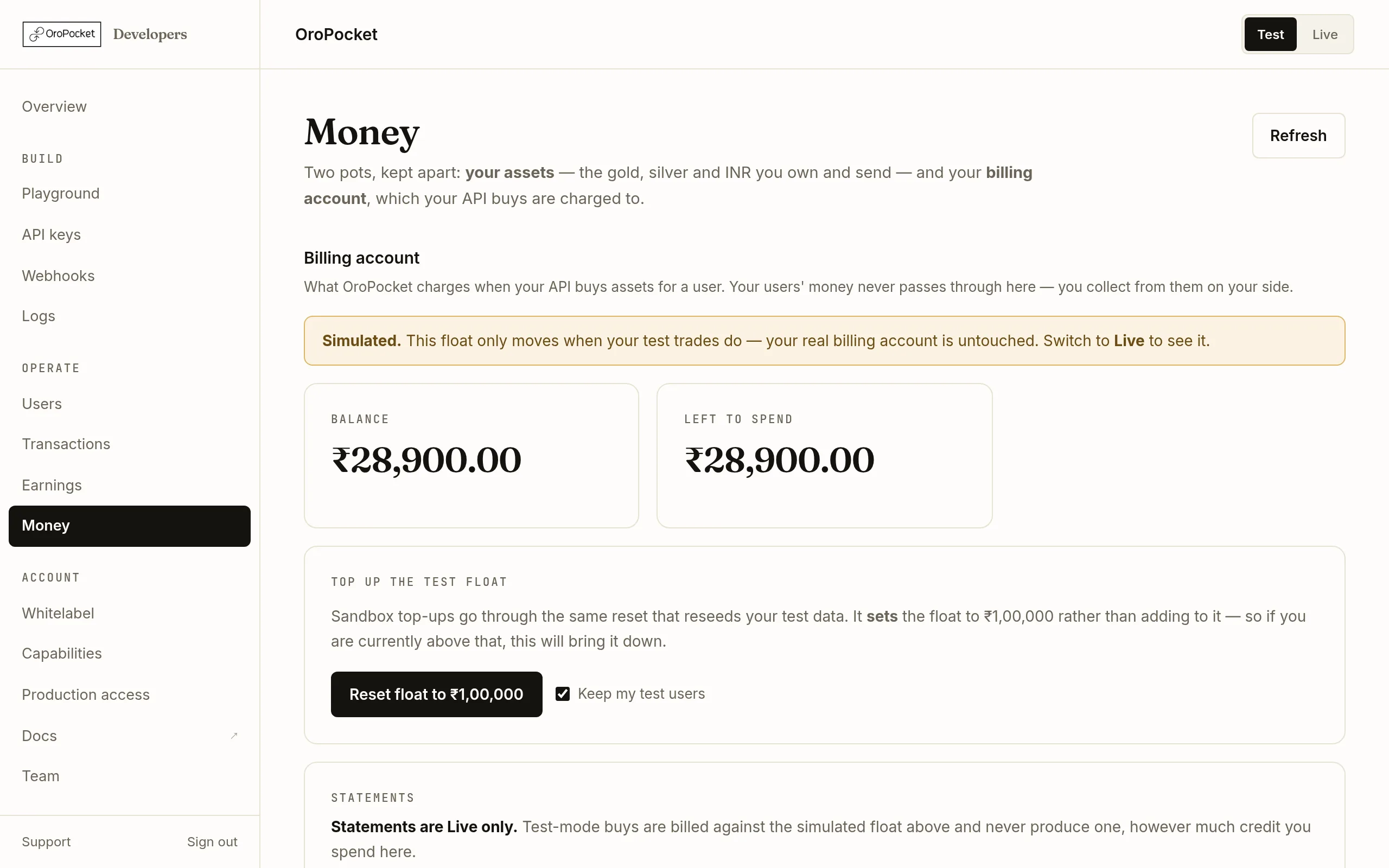
Prepaid accounts hold a balance that each buy debits; when it is gone, buys stop. Postpaid accounts have a credit line and settle later, so what matters is how much of the line is still free and whether anything is overdue. The card tells you which you are on with a badge, and the stat cards change to match.
Choose how to pay
Card / UPI is on the Billing account tab itself: it takes you through a payment gateway and credits the account as soon as the payment confirms. Bank transfer has its own tab — the same bank account funds both your billing account and your own INR wallet, so that form asks which one to credit before it lets you submit.
Enter an amount and pay
Card and UPI have a minimum, shown under the field; bank transfers have none. On a postpaid account the button reads Settle with the outstanding figure rather than Add funds — and if what you owe is below the card minimum, the field says so and points you to the bank transfer for the exact amount.
Top-ups are idempotent against the payment reference, so a page refresh mid-payment or a duplicated webhook cannot credit you twice. A UTR can only be filed once; if you filed it against the wrong account, use Change on the transfer list — it can be moved until we have matched it.Check the ledger
The Activity tab lists every movement on your billing account with the balance after it, so you can trace exactly which buy consumed what. If a figure looks wrong, this is where the answer is.
Clearing a 402
402 INSUFFICIENT_PARTNER_FUNDS comes back at quote time, not confirmation — you find out before you have shown your user a price, which is the useful place for it to happen. The error carries your billing type and what is actually available. Top up here and retry the quote; there is nothing to redeploy.
Two related refusals worth recognising: billing is not configured yet means the account has not been set up at all rather than being empty, and spending is suspended is an administrative hold that funding will not lift — both need a word with support.
In Test mode you are spending a simulated float
Test mode gives you ₹1,00,000 of simulated float, and your test buys debit it exactly as real buys debit real money — which is the point, because it means you meet the 402 path in testing rather than in production.

Your own assets have no sandbox equivalent — their tab shows a note saying so instead, because gold you own is real whichever mode the dashboard is in.